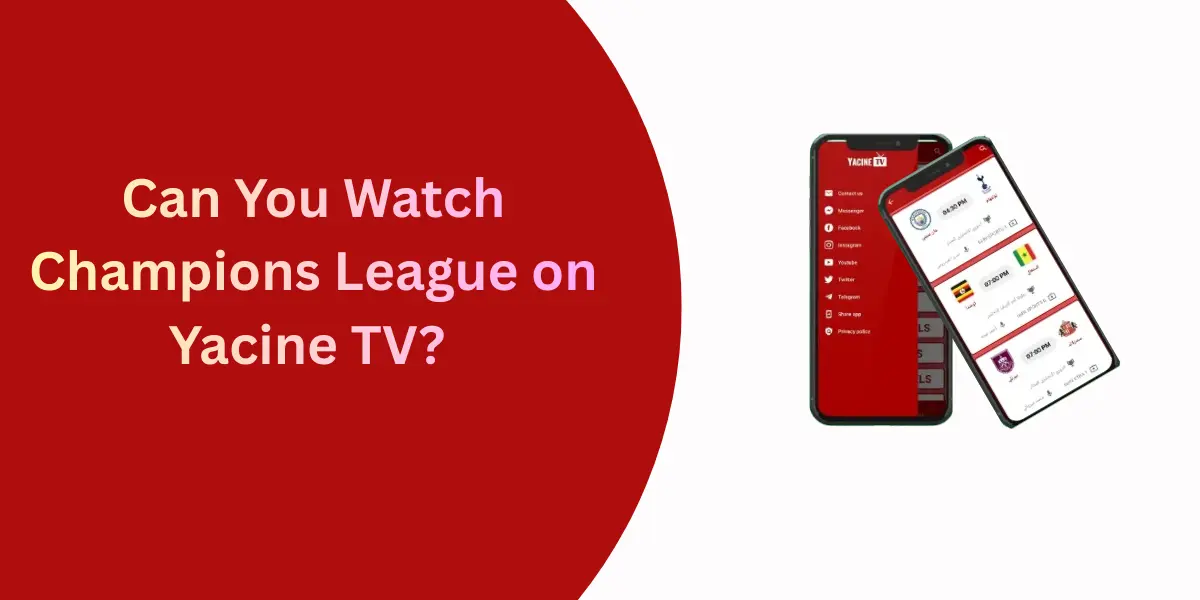

In recent years, online streaming has completely transformed the way people watch television. Instead of relying on cable or satellite TV, users now prefer digital platforms that offer live TV channels, sports, movies and entertainment at little or no cost. One such popular streaming application is Yacine TV. Known mainly for live sports streaming especially football and it has gained massive popularity among users worldwide.
While Yacine TV is primarily designed for Android devices, many users want to enjoy it on a Smart TV for a bigger screen and better viewing experience. This article explains how to use Yacine TV on Smart TV, including supported methods, installation steps, requirements, benefits and important safety tips.
What Is Yacine TV?
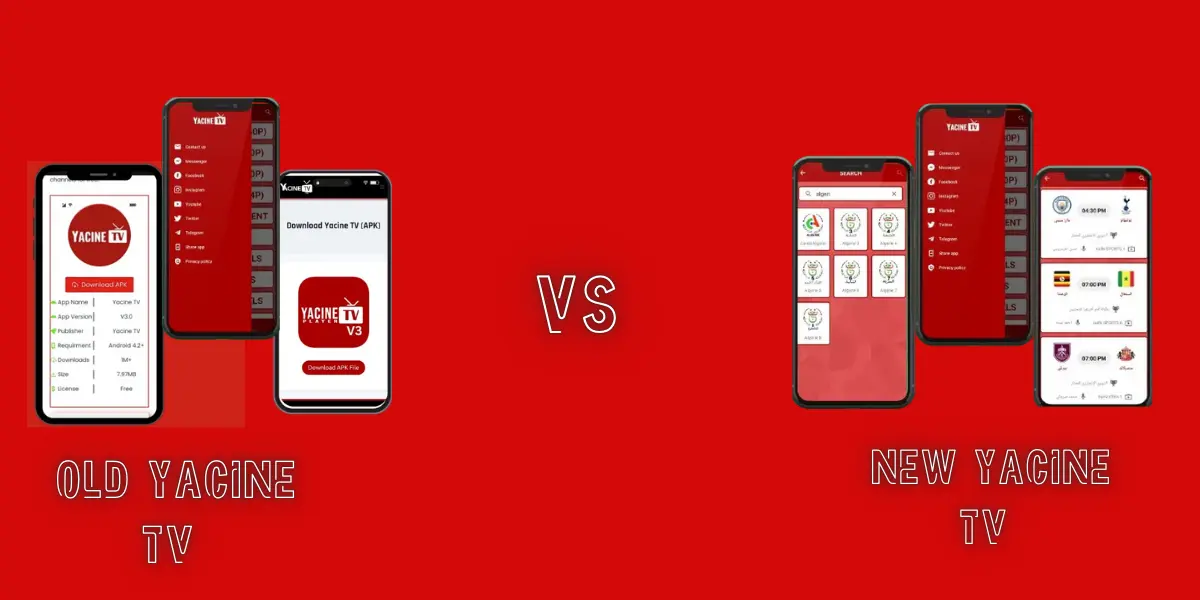
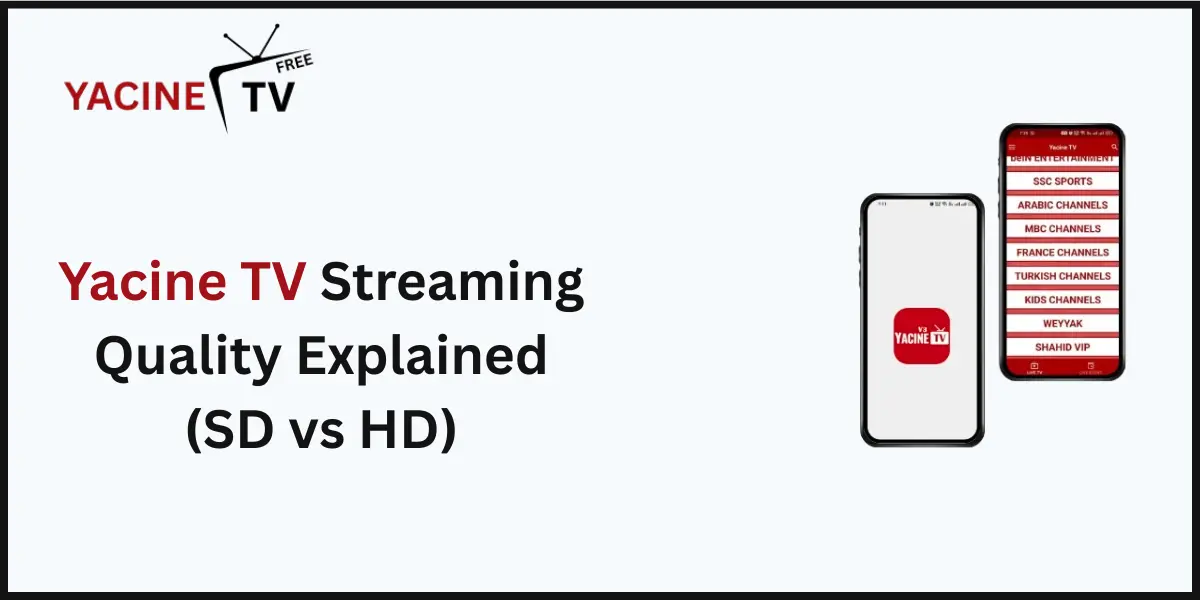
Yacine TV is a free live TV streaming application that provides access to sports channels, international TV networks, news channels and entertainment content. It is especially popular among sports fans because it offers live football matches from leagues such as the Premier League, La Liga, Serie A, UEFA Champions League and many more.
The app is not available on official app stores like Google Play Store or Apple App Store. Instead, it is distributed as an APK file which makes it compatible mainly with Android-based devices.
Can You Use Yacine TV on a Smart TV?
Yes, you can use Yacine TV on a Smart TV but only if your TV supports Android or allows external devices such as Firestick, Chromecast or Android TV Box.
Yacine TV does not work directly on:
- Samsung Smart TVs (Tizen OS)
- LG Smart TVs (webOS)
- Apple TV (tvOS)
However, there are alternative methods that allow you to stream Yacine TV content on almost any Smart TV.
Requirements to Use Yacine TV on Smart TV
Before installation, make sure you have the following:
- A stable internet connection (Wi-Fi or Ethernet)
- An Android-based Smart TV or a streaming device
- Enough storage space on the device
- Permission to install apps from unknown sources
- Latest version of Yacine TV APK
Method 1: Install Yacine TV on Android Smart TV
If you own an Android Smart TV, this is the easiest and most direct method.
Step-by-Step Installation Guide
- Enable Unknown Sources
- Go to Settings
- Open Security & Restrictions
- Enable Install apps from unknown sources
- Download Yacine TV APK
- Open a web browser on your TV
- Search for “Yacine TV APK latest version”
- Download the file
- Install the App
- Open the downloaded APK
- Click Install
- Wait for installation to complete
- Launch Yacine TV
- Open the app
- Choose your preferred channel
- Start streaming
Advantages
- Direct installation
- Best performance
- No extra devices needed
Method 2: Use Yacine TV via Firestick
Amazon Firestick is a popular streaming device that runs on Android-based Fire OS.
Installation Steps
- Go to Settings → My Fire TV
- Enable Apps from Unknown Sources
- Install the Downloader app from Amazon Store
- Open Downloader and enter the Yacine TV APK URL
- Download and install the APK
- Launch Yacine TV from Apps section
Why Use Firestick?
- Smooth streaming
- Portable
- Affordable option
- Works with non-Android TVs
Method 3: Use Android TV Box
An Android TV Box turns any TV into an Android-powered Smart TV.
How It Works
- Connect Android TV Box via HDMI
- Set it up with Wi-Fi
- Download Yacine TV APK
- Install and stream content
Benefits
- Supports many apps
- Better compatibility
- Affordable solution
Method 4: Screen Mirroring from Mobile to Smart TV
If direct installation is not possible, screen mirroring is a good alternative.
Steps
- Install Yacine TV on your Android phone
- Enable Screen Cast or Smart View
- Connect phone and TV to the same Wi-Fi
- Select your TV from the device list
- Play content on Yacine TV
Limitations
- Phone battery drain
- Slight lag
- Depends on Wi-Fi strength
Method 5: Cast Using Chromecast
Chromecast allows you to stream content from your phone to your TV.
Steps
- Plug Chromecast into TV
- Set it up using Google Home
- Open Yacine TV on your phone
- Tap Cast Screen
- Watch on your TV
Features of Yacine TV on Smart TV
- Live sports streaming
- International TV channels
- Arabic and foreign content
- Simple user interface
- Free access
- No registration required
Advantages of Watching Yacine TV on Smart TV
- Bigger screen experience
- Better sound quality
- Ideal for live sports
- Family-friendly viewing
- Comfortable long watching sessions
Common Issues and Solutions
App Not Installing
- Check storage space
- Enable unknown sources
- Download latest APK version
Buffering or Lag
- Improve internet speed
- Use Ethernet cable
- Reduce background apps
App Crashing
- Clear app cache
- Restart TV
- Reinstall the app
Is Yacine TV Safe to Use?
Yacine TV is a third-party app and not officially licensed. While many users use it without issues, there are some risks:
- Ads and pop-ups
- Potential security concerns
- Legal issues in some regions
Safety Tips
- Use a VPN
- Avoid entering personal information
- Download APK from trusted sources
- Keep antivirus protection enabled
Legal Considerations
Streaming copyrighted content without proper licenses may violate local laws. Laws vary by country, so users should always check their regional regulations before using such apps.
Conclusion
Yacine TV is an excellent option for users who want free access to live sports and TV channels on their Smart TV. Although it is not officially supported on all platforms, multiple methods such as Android Smart TVs, Firestick, Android TV Box and screen mirroring make it possible to enjoy Yacine TV on a large screen.
By following the correct installation steps and safety precautions, you can easily transform your Smart TV into a powerful streaming hub. Whether you are a football fan or just looking for free entertainment, Yacine TV on Smart TV offers a convenient and enjoyable viewing experience.
FAQs
Can I install Yacine TV directly on my Smart TV?
You can install Yacine TV directly only on Android Smart TVs. Other Smart TVs like Samsung (Tizen OS) and LG (webOS) do not support direct installation, but you can use Firestick, Android TV Box or screen mirroring.
Is Yacine TV available on Google Play Store or App Store?
No, Yacine TV is not available on the Google Play Store or Apple App Store. It must be downloaded as an APK file from third-party sources.
Does Yacine TV work on Samsung or LG Smart TVs?
Yacine TV does not work natively on Samsung or LG Smart TVs. However, you can watch it using Firestick, Chromecast, Android TV Box, or screen mirroring from an Android phone.
Is Yacine TV free to use on Smart TV?
Yes, Yacine TV is completely free and does not require any subscription or registration.
What internet speed is required for smooth streaming?
For smooth streaming, a minimum internet speed of 5–10 Mbps is recommended. Higher speeds provide better quality and reduce buffering.
Can I watch live football matches on Yacine TV?
Yes, Yacine TV is popular for live football streaming, including major leagues like Premier League, La Liga, Serie A, and UEFA Champions League.
Is it safe to use Yacine TV on a Smart TV?
Yacine TV is a third-party app, so there may be security risks. To stay safe, use a VPN, avoid personal data entry, and download the APK from trusted sources.
Does Yacine TV support Chromecast?
Yacine TV does not have built-in Chromecast support, but you can cast your entire phone screen to your TV using Chromecast.
Can I use Yacine TV without a streaming device?
Yes, if you have an Android Smart TV then you can use Yacine TV without any additional device. Otherwise, a Firestick or Android TV Box is required.